
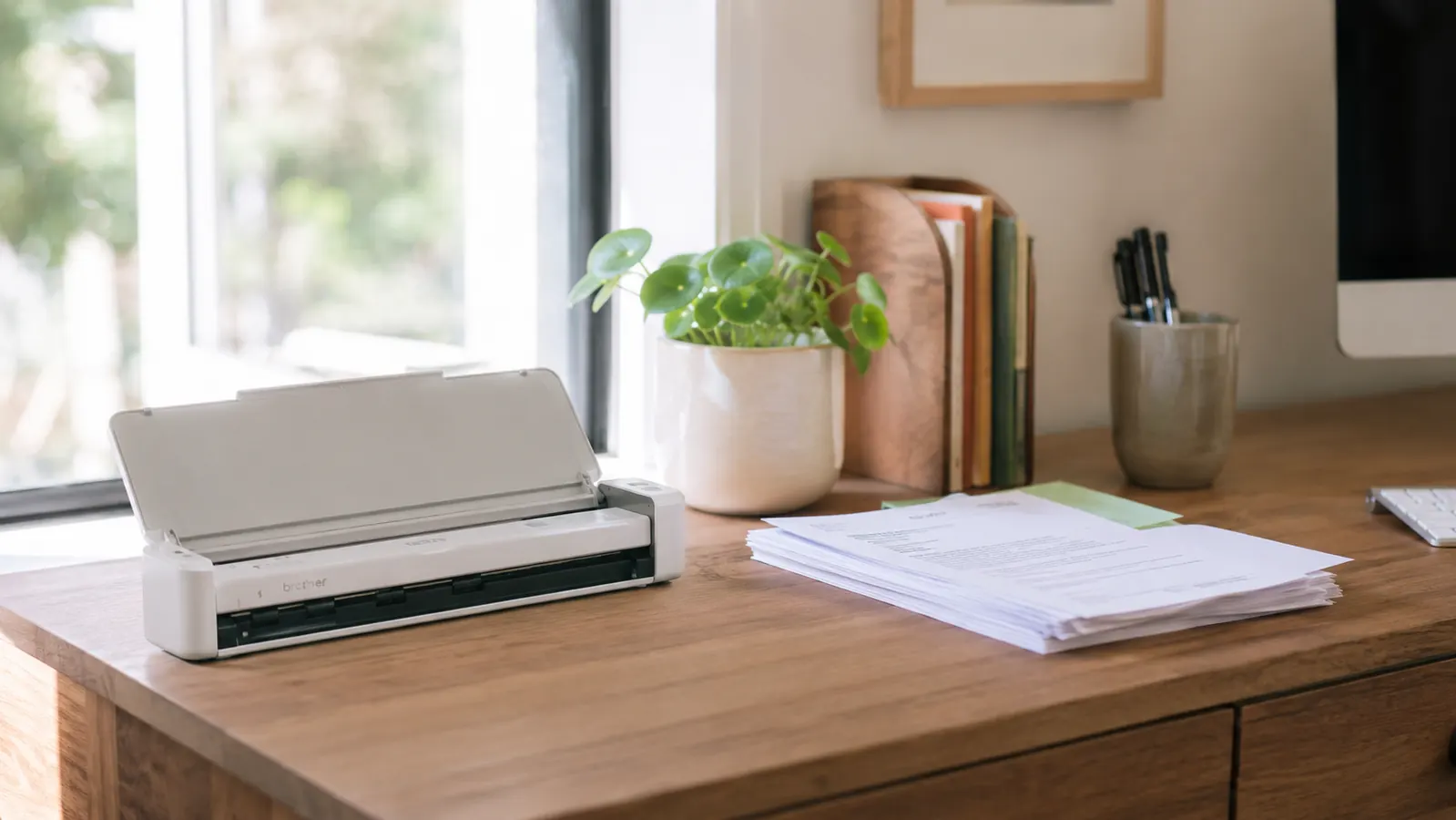
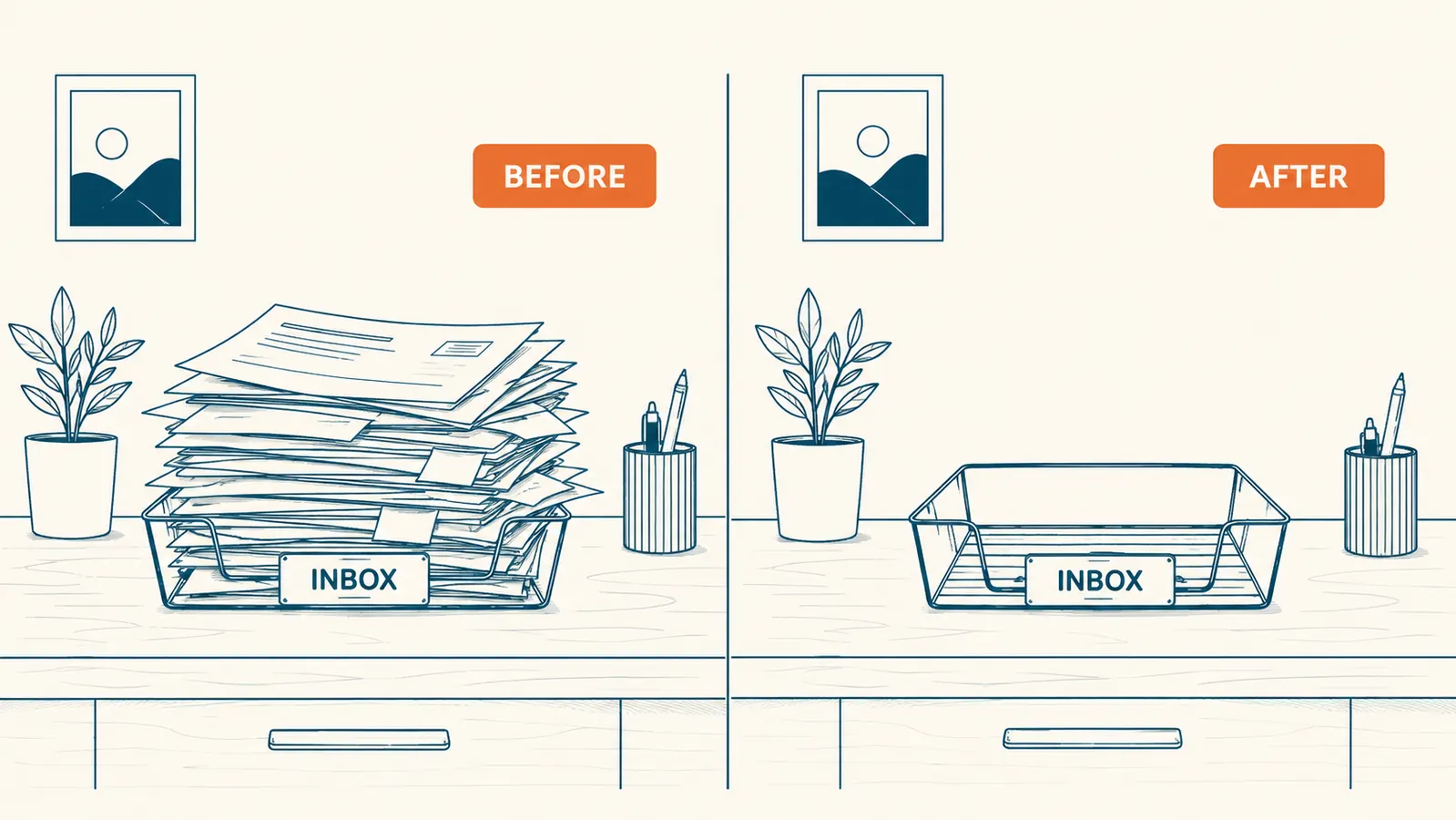
I had an inbox tray on my desk for four years. It was never empty. At any given moment it held receipts I meant to file, statements I meant to shred, and at least one signed contract I could not confirm without digging. The pile was not laziness. It was friction. Scanning felt like a project that required a dedicated afternoon, a flatbed scanner the size of a serving tray, and software that crashed on install. None of that turned out to be true once I got the Epson WorkForce ES-50. The tray has been empty for over a year.
The ES-50 is a portable sheet-fed scanner, USB-powered, rated 4.3 stars across nearly 6,000 reviews, and roughly the size of a ruler. It sits beside my laptop, feeds a page in under ten seconds, and creates searchable PDFs without drama. Here are the ten reasons it is the device that actually clears the pile.
Your paper pile is not going to file itself this weekend either.
The Epson WorkForce ES-50 is USB-powered, works on PC and Mac, and takes about four minutes to set up. 4.3 stars across nearly 6,000 reviews. Check today's price before the list convinces you.
Amazon Check Today's Price on Amazon →It eliminates the reason you keep putting it off
The real reason most people do not scan their paper pile is setup friction. A flatbed scanner means lifting a lid, placing one page at a time, clicking through installer wizards, and then repeating thirty more times. The ES-50 runs on USB power, takes sheets one after another, and uses Epson's ScanSmart software to name and save files automatically. The barrier to starting drops so low that you run out of excuses.
It takes up almost no desk space
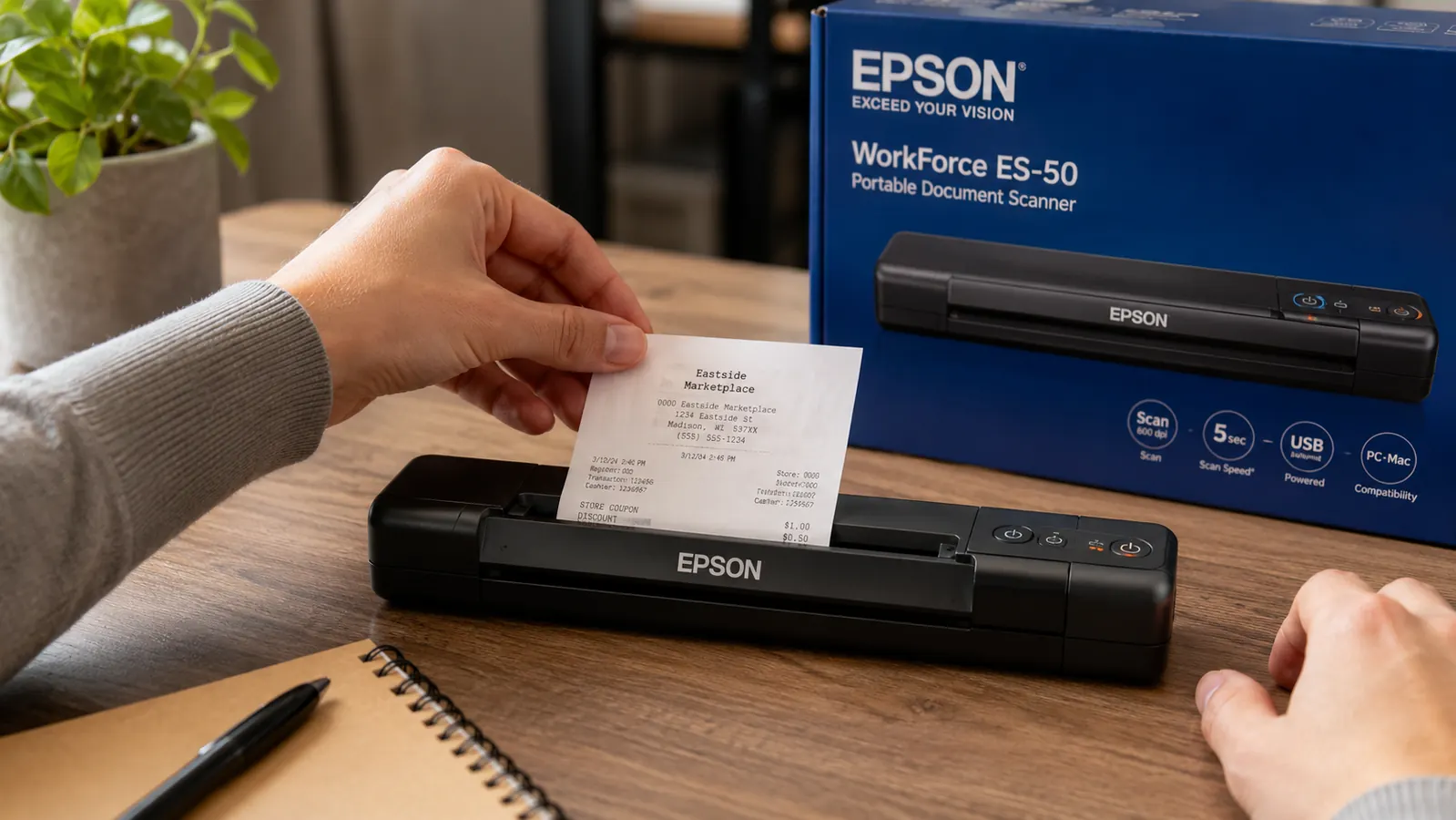
The ES-50 is 10.9 inches long and 1.5 inches tall when closed. You can tuck it behind your monitor, slide it into a drawer between uses, or leave it on the corner of a small desk without losing meaningful workspace. Flatbed scanners claim a footprint the size of a serving tray and earn no points for portability. If you are working in a small room, that footprint matters more than the spec sheet suggests.
No power brick, no outlet required
USB power from your laptop is all it needs. This matters more than it sounds. If your desk is already fighting a strip with too many things plugged into it, adding another power adapter is an annoyance you will quietly resent. The ES-50 draws power from the same USB port you use for a drive or a hub. Plug in, scan, unplug. No dedicated outlet, no additional cable to route.
Receipts stop disappearing before tax season
Paper receipts end up in jacket pockets, the bottom of bags, or the kitchen junk drawer, none of which are searchable. Scanning a receipt the same day you get it takes ten seconds and creates a dated PDF you can actually find in February. ScanSmart names files by date automatically. That alone pays for the scanner if you run any kind of side income or self-employment and deduct expenses.
Contracts are searchable instead of buried
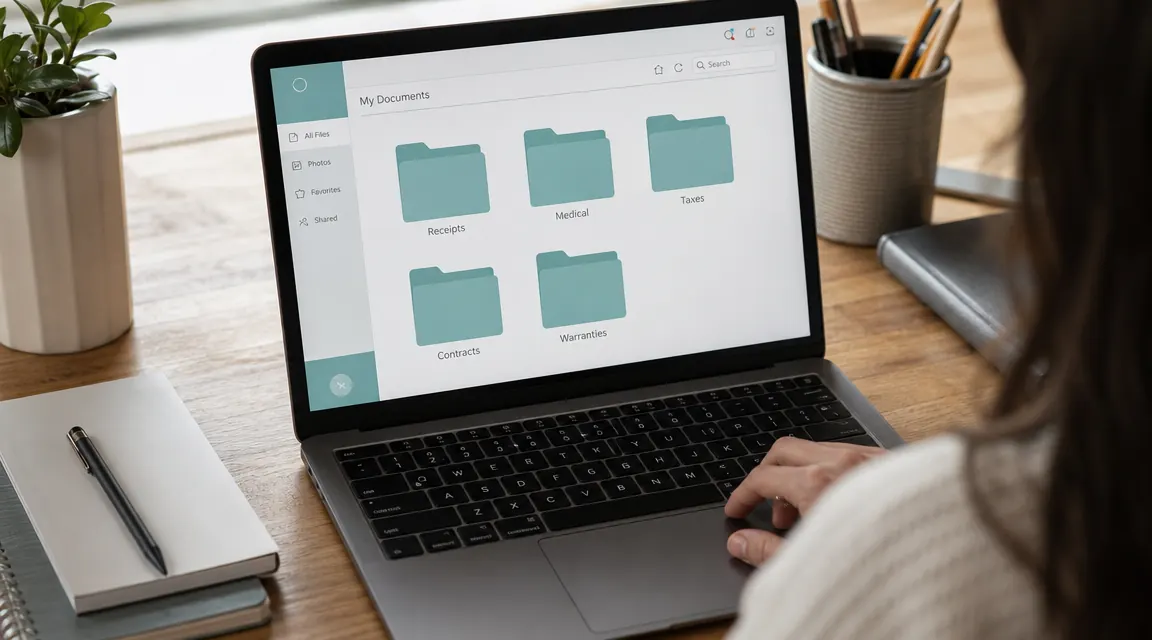
A signed lease, a contractor agreement, a client scope of work. Paper versions require physical finding. A scanned PDF is searchable by keyword in seconds, whether you store it in Google Drive, Dropbox, or a folder on your desktop. The ES-50 handles multi-page documents up to 8.5 by 36 inches and keeps them together as a single file. Finding the indemnity clause in a three-year-old service contract takes about four seconds.
Scanning a document takes ten seconds. Finding a lost paper document takes ten minutes. Or it takes forever.
It travels when your work does
If you work from the road at all, a flatbed scanner is obviously not coming with you. The ES-50 fits in a laptop bag side pocket and weighs 14 ounces. I have scanned hotel receipts, rental agreements, and handwritten notes from a desk the size of a TV tray. The portability is not a gimmick. It is the reason this scanner earns its keep for anyone whose office moves between home and elsewhere.
Scanned documents are searchable, paper is not
The ES-50 outputs searchable PDFs through OCR, meaning a scanned contract or insurance document is not just a picture of text. You can open it and search for a clause, a dollar amount, or a name. Try doing that with a stack in an inbox tray. This sounds like a minor feature until you have spent fifteen minutes shuffling paper looking for a single sentence.
You can shred the originals with confidence
Most people hold onto paper because they are not sure they will be able to find it again once it is gone. A scanned, properly named PDF in a cloud-backed folder is safer than a sheet of paper in a filing cabinet. Once you have a reliable scan workflow, shredding the originals stops feeling risky. The pile stops growing because the reason to keep paper in the first place disappears.
Receipts and small-format documents feed cleanly
The ES-50 handles documents as narrow as a gas station receipt and as large as a standard letter sheet. If you have ever tried to lay a curled receipt flat on a flatbed scanner and watched it scan sideways, you understand why a sheet-fed scanner that straightens the document as it feeds is a real improvement. Small documents are usually the most annoying part of a paper pile, and the ES-50 handles them without babysitting.
The cost is low enough that it pays for itself quickly
At its current price, the ES-50 costs less than most people spend on an hour of bookkeeping help to sort and file documents manually. If you are self-employed and deducting home office expenses, a single tax season of organized, findable receipts can easily recoup the cost in deductions you would have otherwise missed or fumbled. It is a tool priced for the job it does. That is rarer than it should be.
What I'd Skip
The ES-50 scans one side of a page per pass. If you regularly scan two-sided documents, contracts printed back-to-front or double-sided bank statements, you are flipping pages manually. That is a real limitation. For high-volume duplex scanning, there are other options worth comparing. For a typical home office paper pile, single-sided is fine. Most of what ends up in a pile is standard single-sided print: receipts, utility statements, signed forms, tax documents, letters. The limitation will never come up for most people who buy this. If you want to go deeper on how the ES-50 performs day to day, the full long-term review covers scan quality, software quirks, and a few things I would change. If you want a system to go with the scanner, the practical guide to organizing scanned receipts walks through a simple folder structure before you start feeding paper.
If the paper pile on your desk has been there since last quarter, this is the nudge.
The Epson WorkForce ES-50 is compact, USB-powered, and straightforward enough that setup takes less time than sorting the pile would. 4.3 stars across nearly 6,000 reviews on Amazon.
Amazon Check Today's Price on Amazon →