
Article
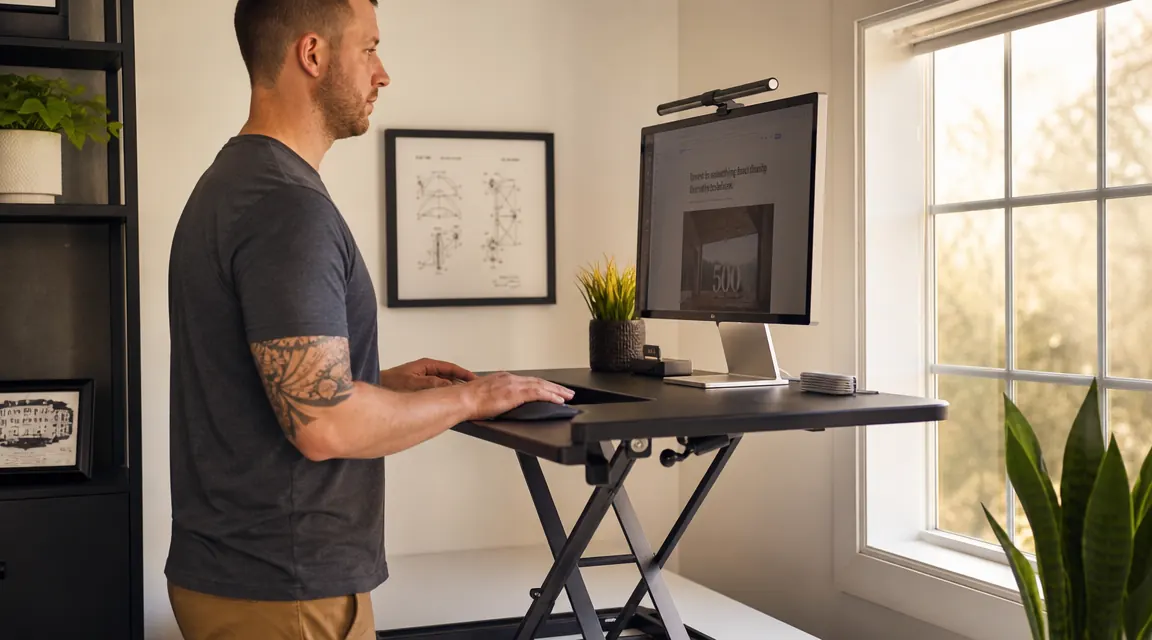
TechOrbits Desk Converter Review: One Year of Standing, Sitting, and Actually Using It
Twelve months on the TechOrbits 32-inch standing desk converter. What held up, what surprised me, and who should actually buy one.
For three years I had a paper stack on my desk that I called a system. One missing warranty receipt changed my thinking for good.
Twelve months on the TechOrbits 32-inch standing desk converter. What held up, what surprised me, and who should actually buy one.
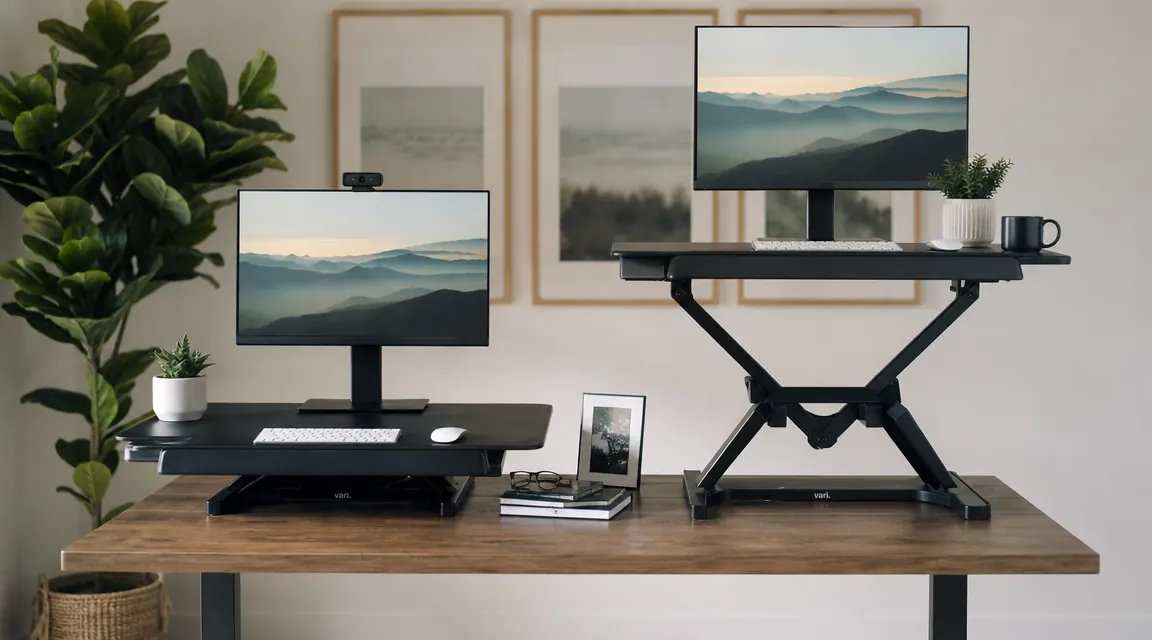
Two of the most-searched standing desk converters, measured against each other on the things that actually matter: stability, workspace, keyboard tray depth, and whether you will still be using it six months from now.

You want to stand and sit throughout the day. You don't want to spend $600, lose half your floor space, or explain it to a landlord. Here is why a converter is the smarter call.

Every afternoon around 2pm my lower back would lock up. I tried stretching, I tried new chairs. Then I tried actually standing for 30 minutes.
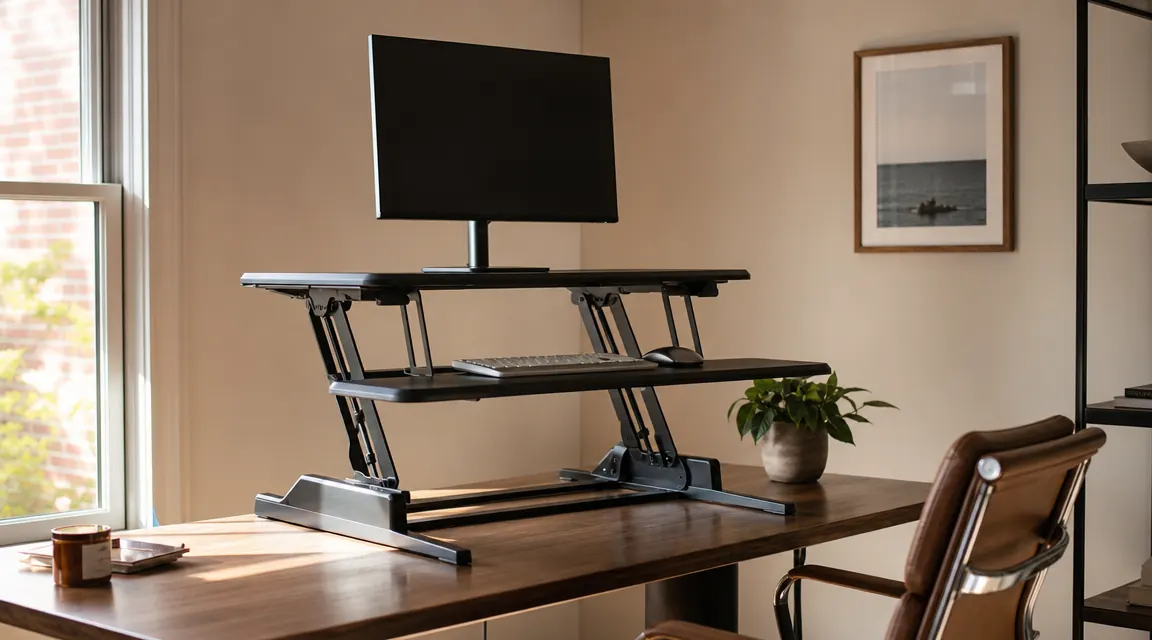
What the listing photos skip, who actually should not buy this, and whether a $400 VARIDESK is worth four times the price.
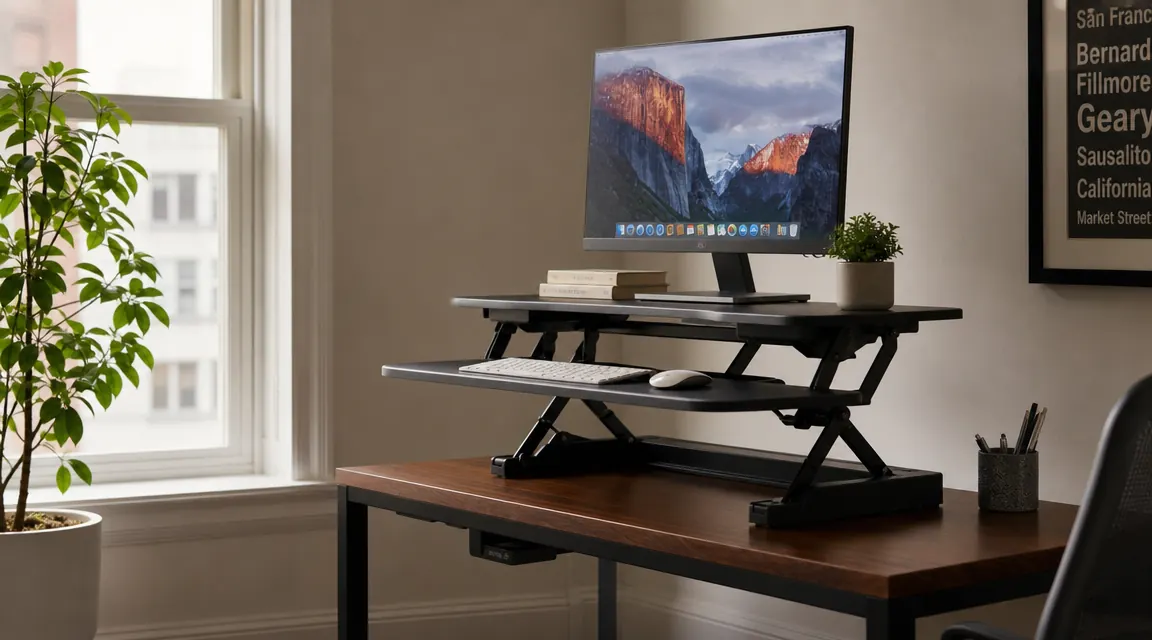
A step-by-step walkthrough for measuring, positioning, height-calibrating, and wiring a standing desk converter so it actually gets used in a tight home office space.
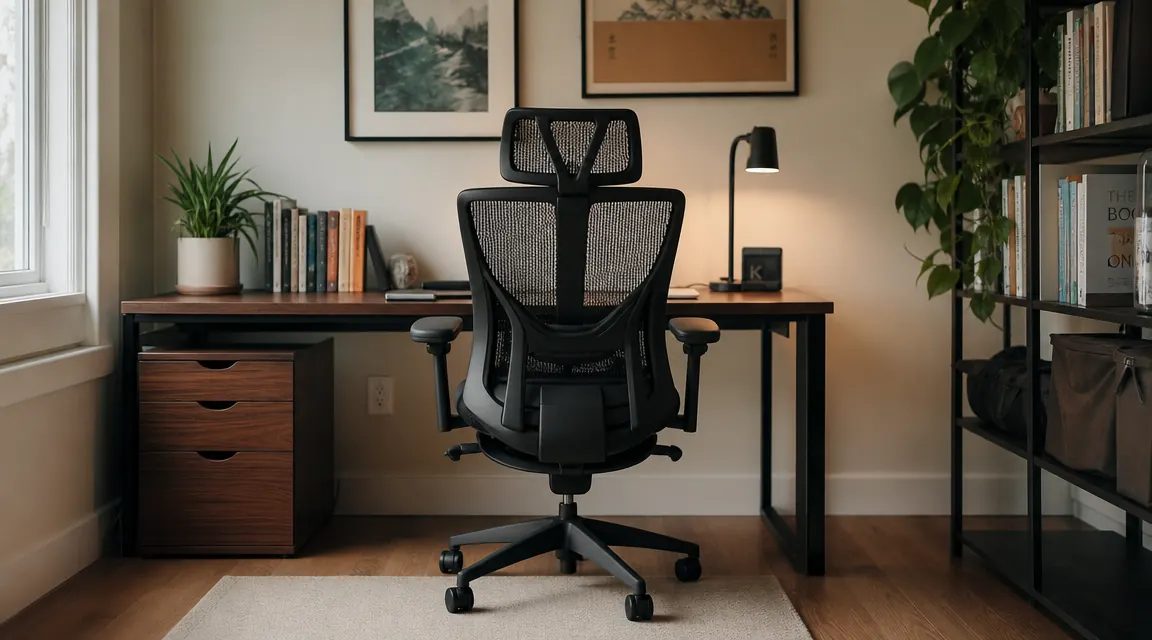
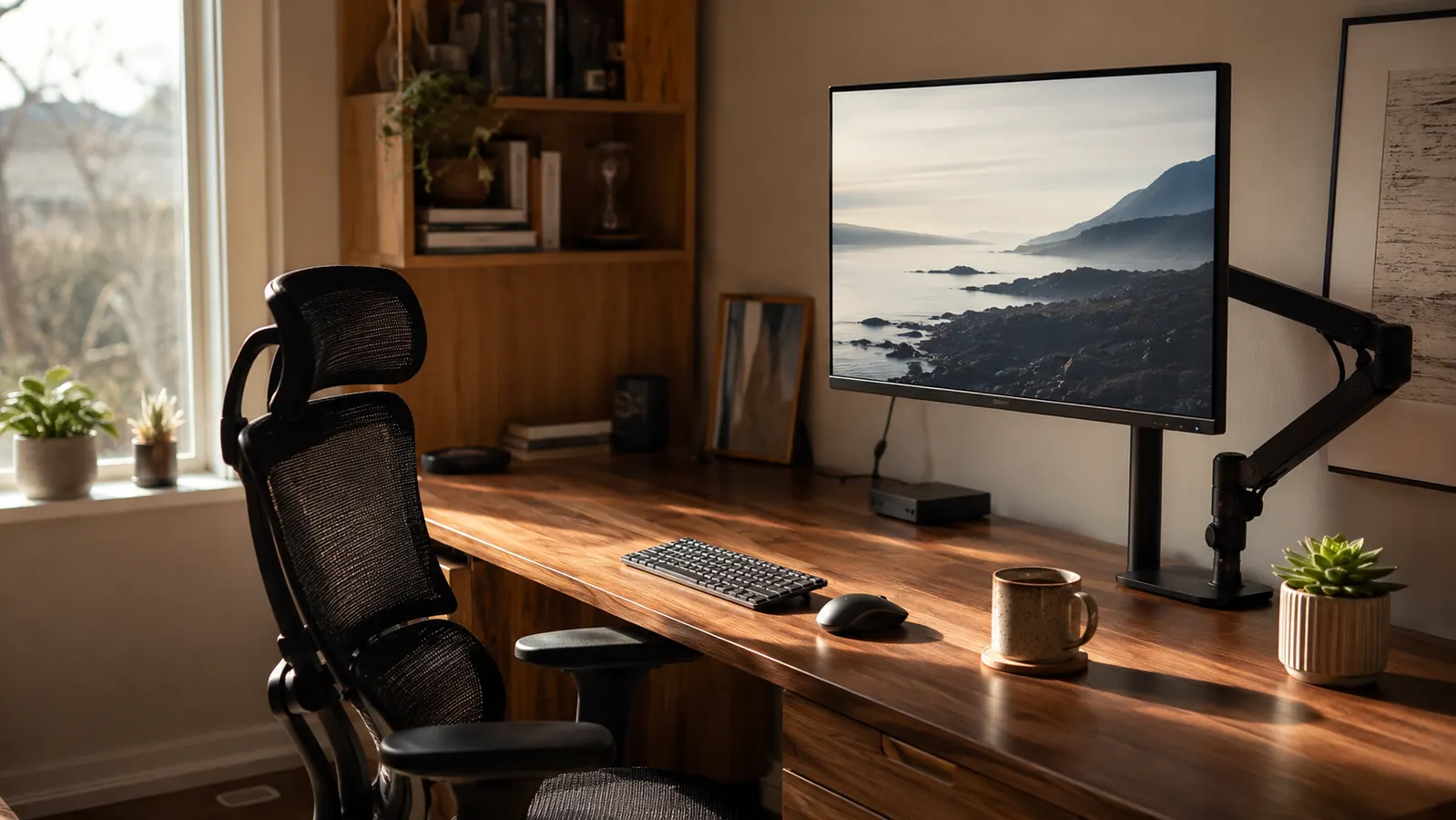
The HOLLUDLE mesh ergonomic chair has climbed past 6,000 reviews and sits under $170. I have been in it every working day for six months. Here is what held up, what surprised me, and who it actually makes sense for.
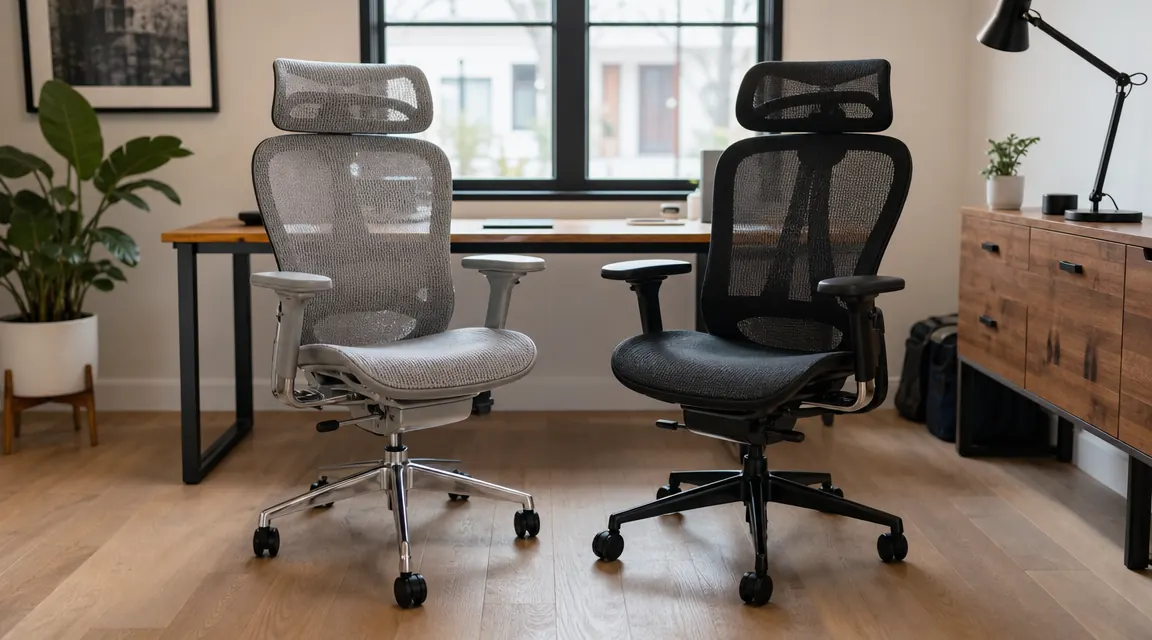
Both chairs sit under $200 and both claim proper lumbar support. Only one actually delivers it for people who work from home all day.

If you finish most workdays with neck stiffness, lower back ache, or numb hips, your chair is the most likely culprit. Here are the 10 warning signs.

A $90 chair from a big-box store, a lower back that quit on me every afternoon, and the realization I kept solving the wrong problem.
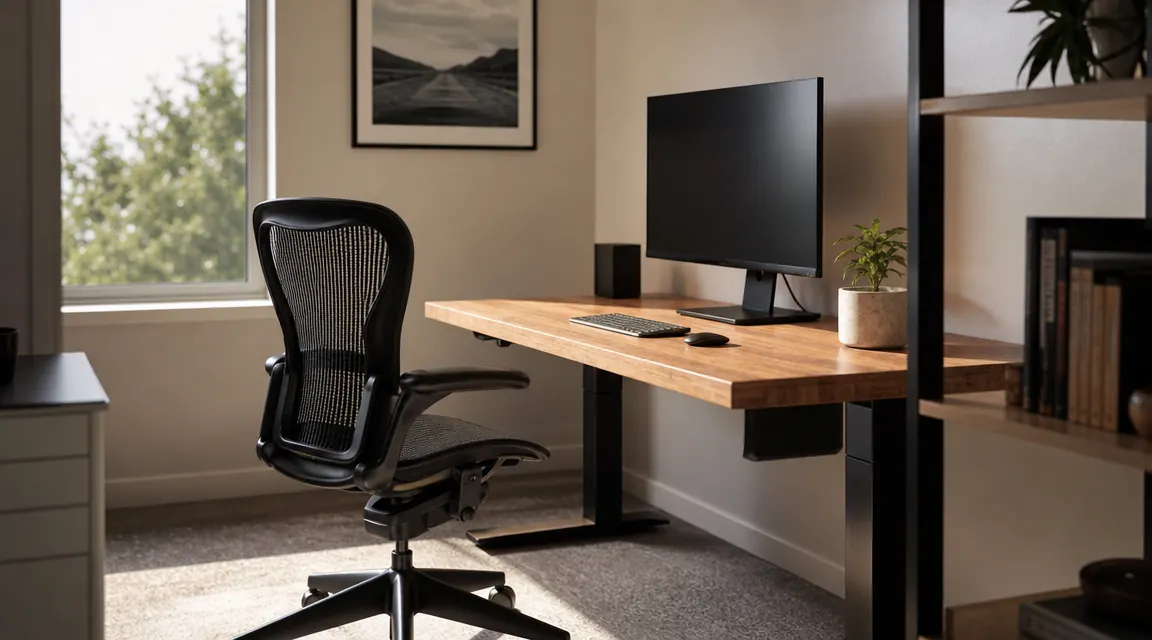
There are things the product listing does not tell you. Assembly takes longer than it should. The headrest needs repositioning twice before it stops annoying you. The mesh creaks for the first week. Here is what actually happened, including an honest comparison to a Herman Miller Aeron I borrowed from a friend.

Most people set the seat height and call it done. That leaves five adjustments untouched, and those are exactly the ones causing back and neck pain by 2pm.
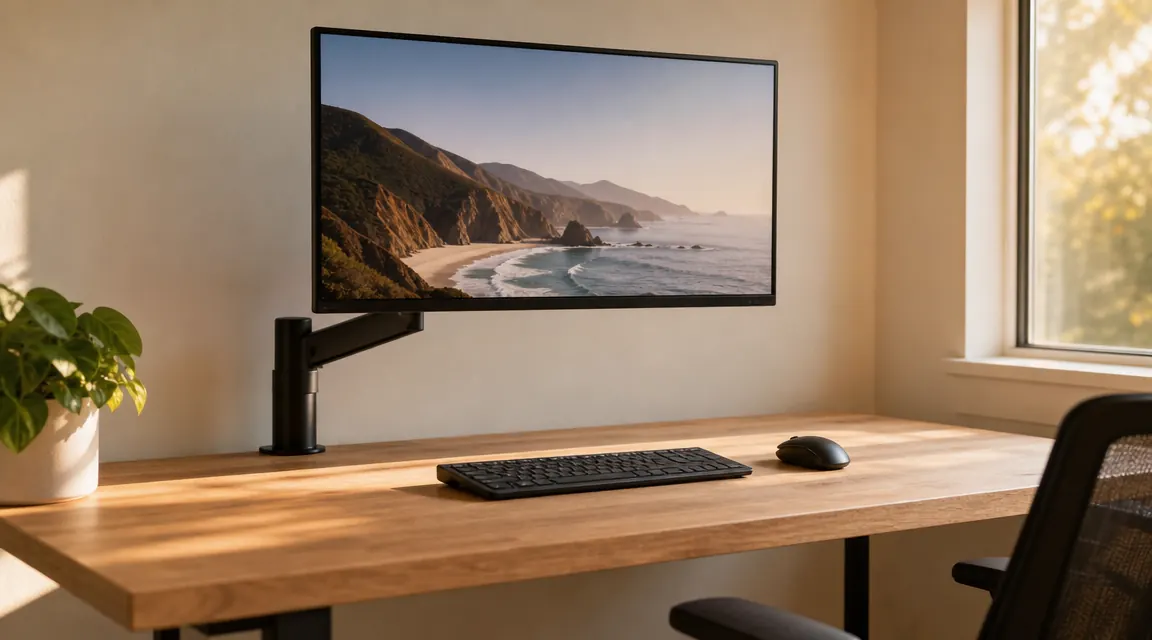
I bought the HUANUO single monitor arm to get my screen off a bulky stand and recover usable desk depth. Eight months later it is still holding, still smooth, and still the first thing I recommend when someone asks about monitor mounts.
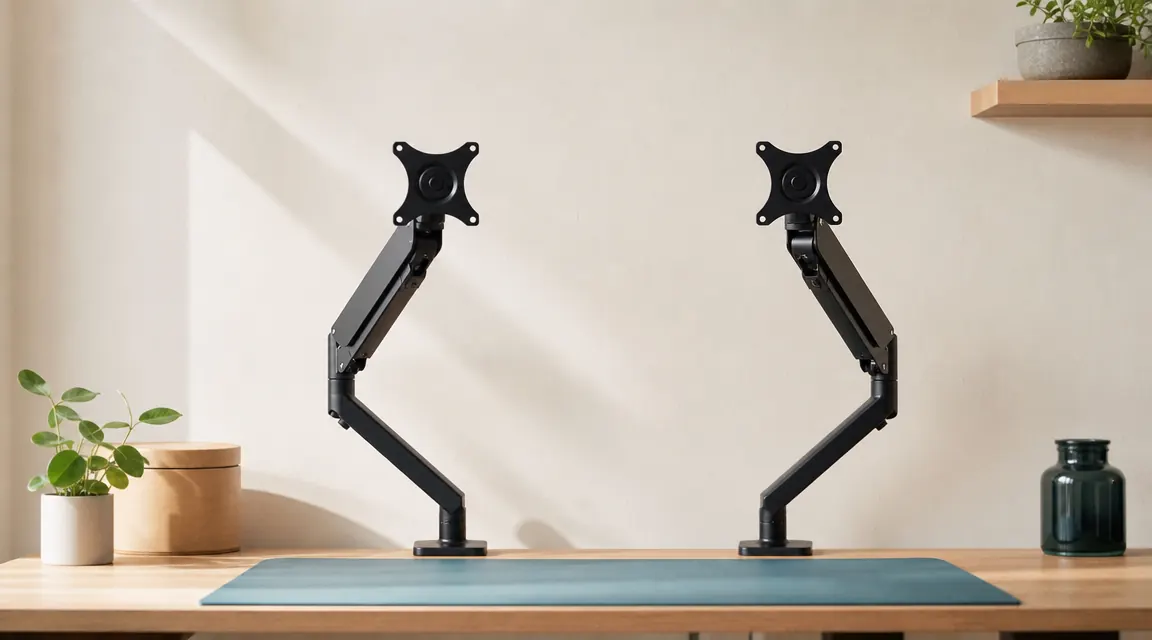
The Ergotron LX is the arm every tech reviewer defaults to. The HUANUO costs roughly a sixth of the price. After spending real time with both, here is what the gap actually buys you.
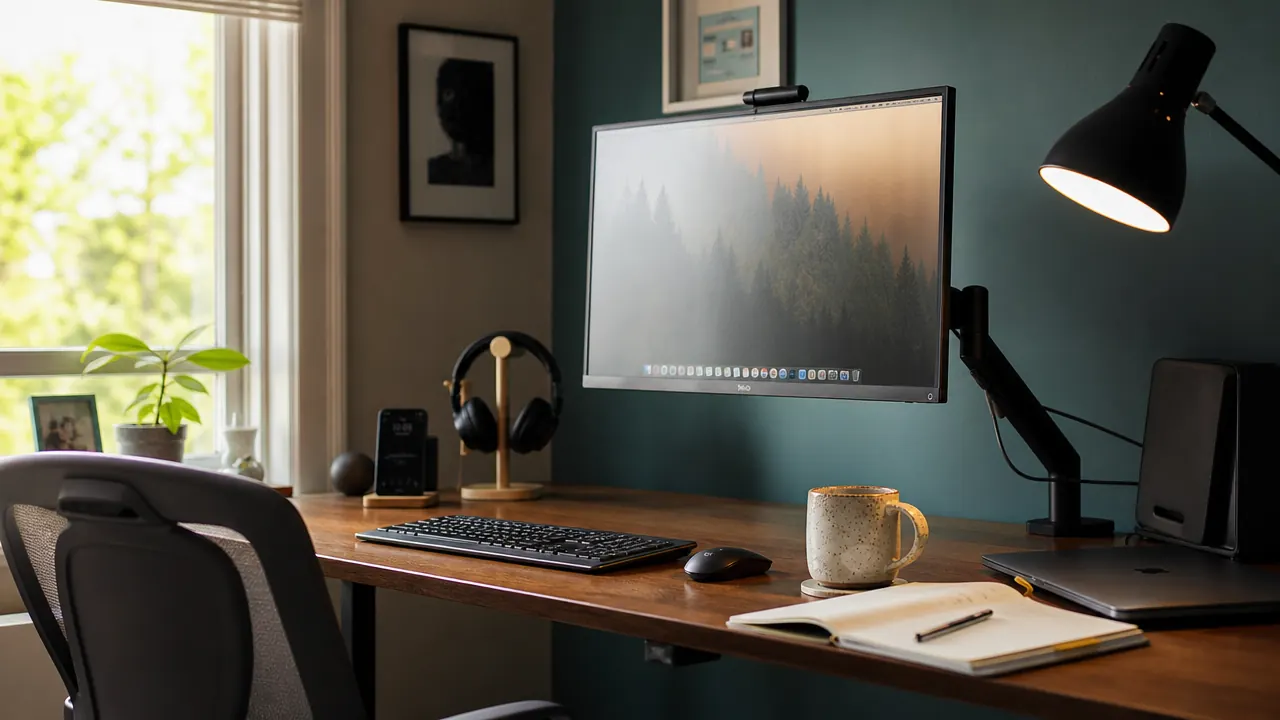
A monitor stand eats six to ten inches of desk depth and does nothing else. A monitor arm takes up none of that space and does a lot more. Here are ten ways that single swap changes a small desk for the better.
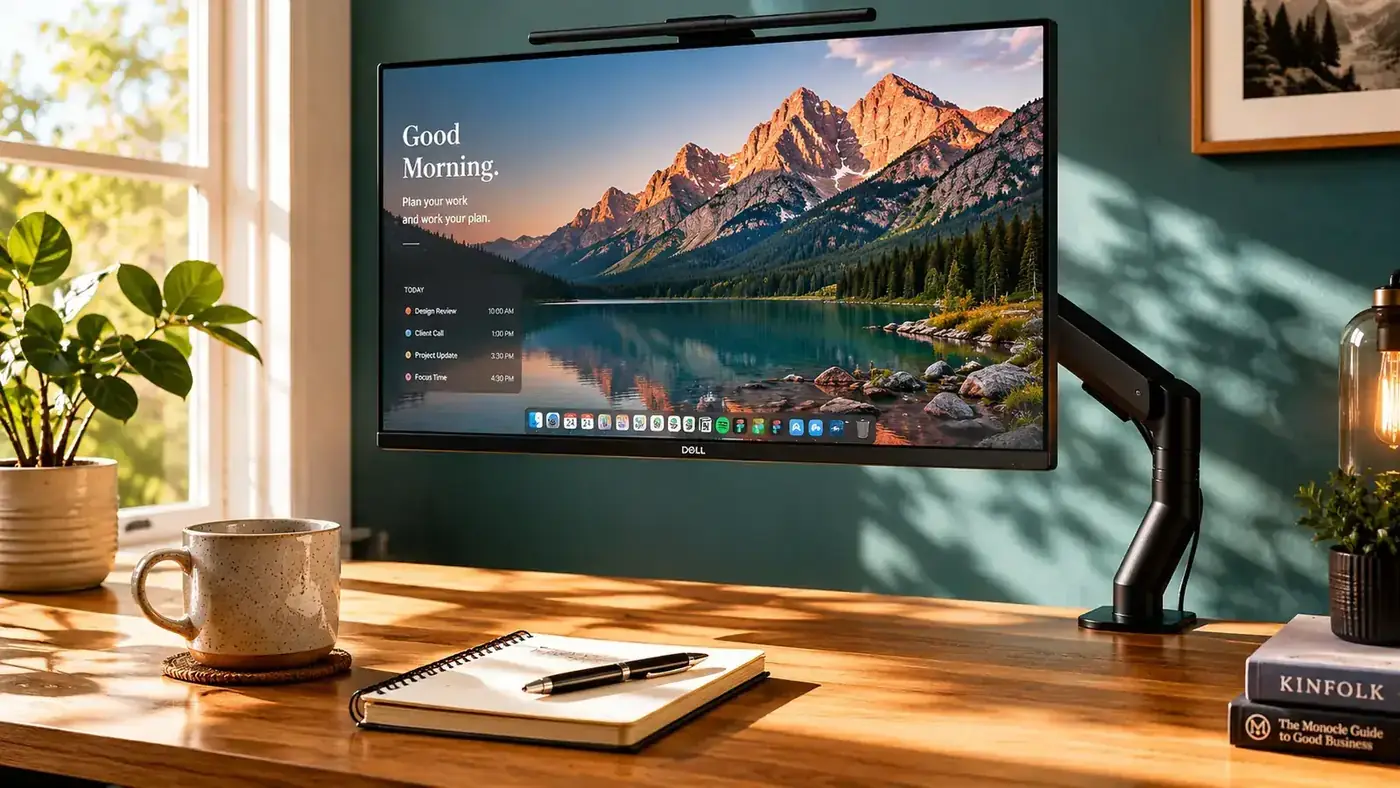
My monitor stand was eating a full third of my desk. I swapped it for a monitor arm and the difference was immediate. Here is exactly what changed.
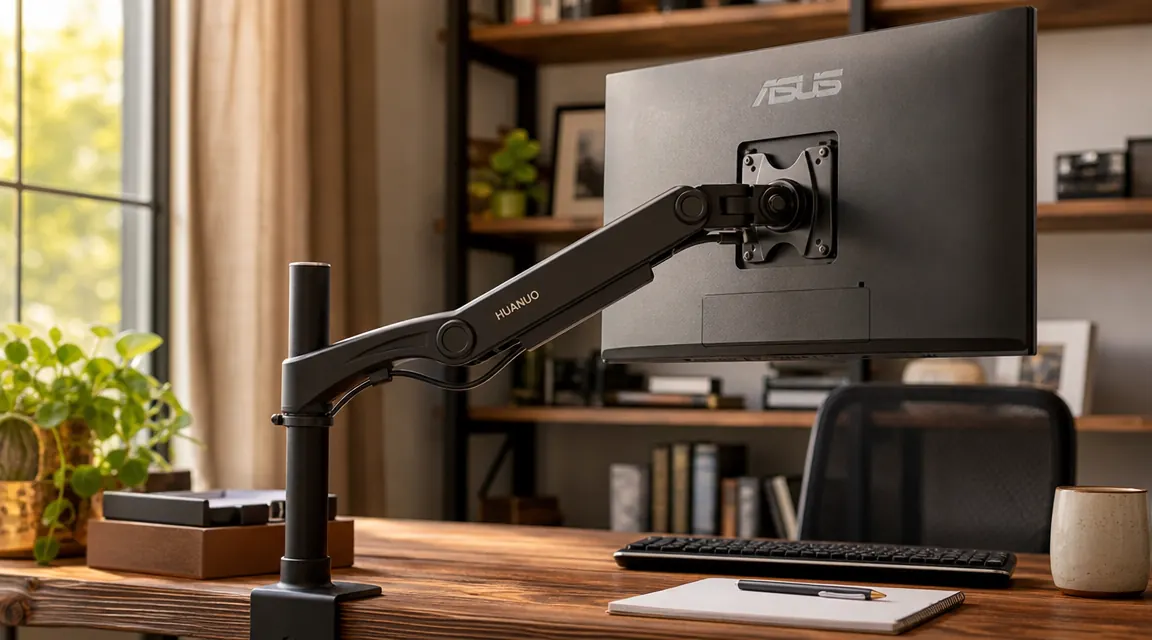
Seven questions nobody answers in the product listing, tested on a 27-inch monitor and a 32-inch ultrawide, from a 1.5-inch IKEA desktop to a 2.5-inch solid oak edge.
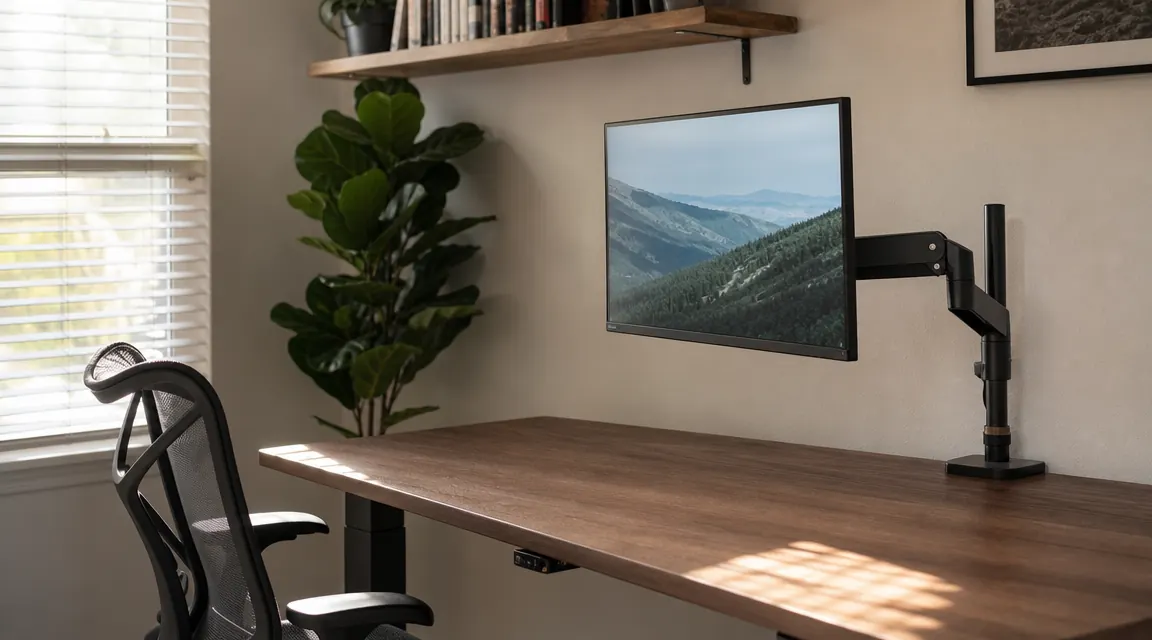
The clamp goes on. The desk survives. A step-by-step walkthrough covering rubber pads, desk thickness, ultrawide weight limits, and cable routing before anything gets tightened.
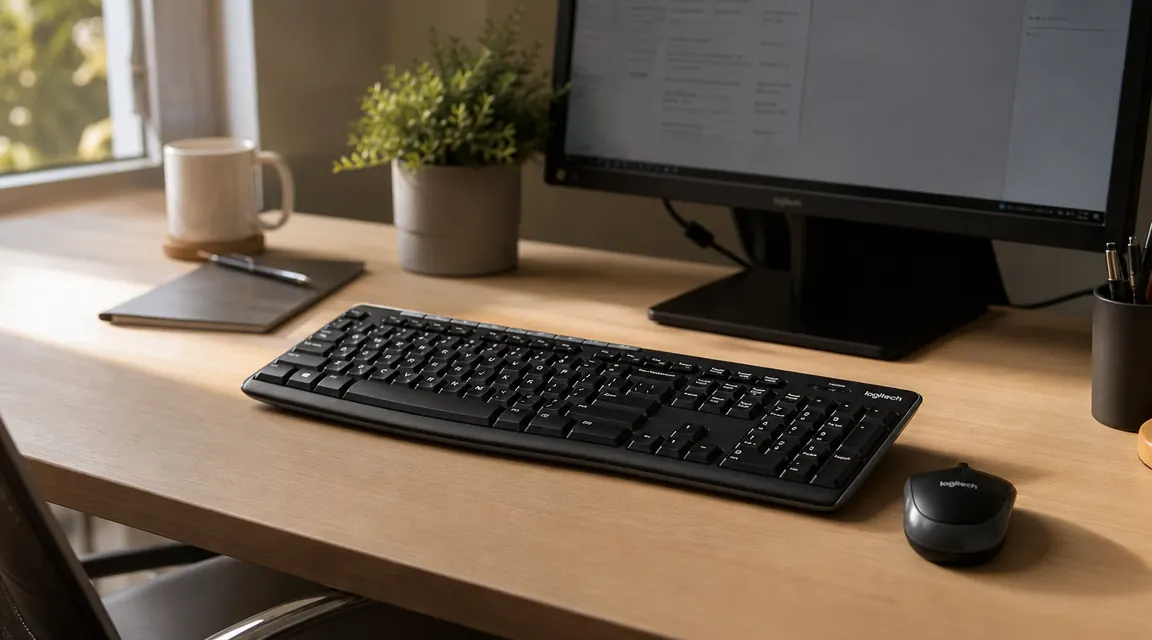
The most-bought wireless keyboard and mouse combo on Amazon costs less than a decent lunch. After two years of daily use, I can tell you exactly what that gets you.
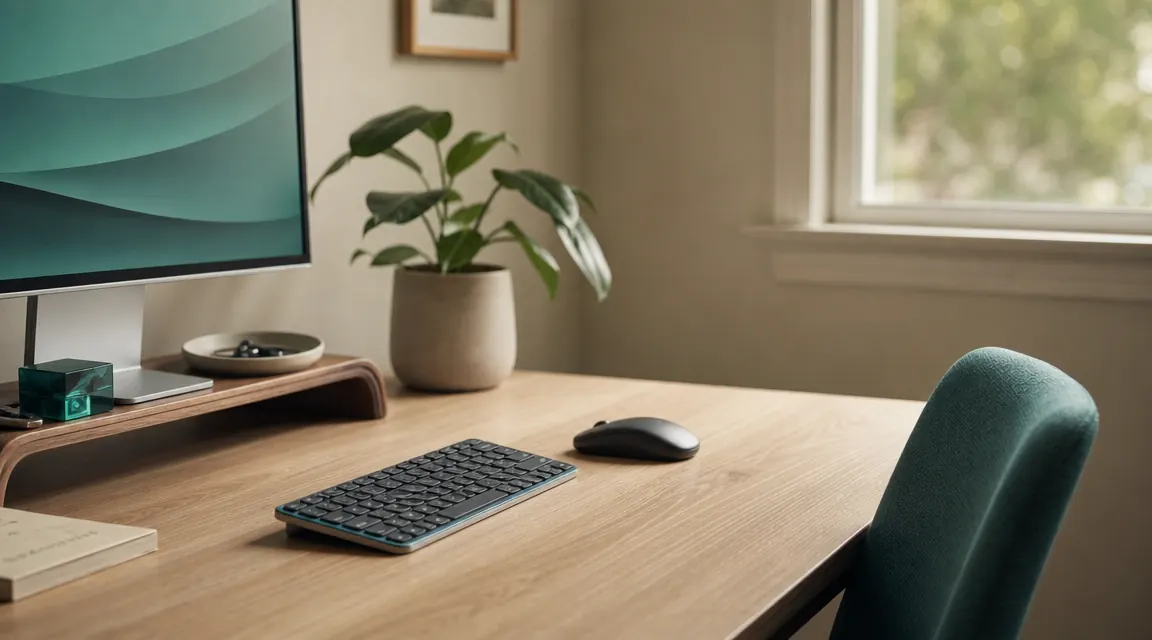
Two nearly identical wireless combos, one clear answer for most home offices. Here is exactly where they differ and which one deserves your money.

Two cables gone, a cleaner desk, and no more accidentally yanking your keyboard off the edge. Here are ten reasons to go wireless on your home office desk.
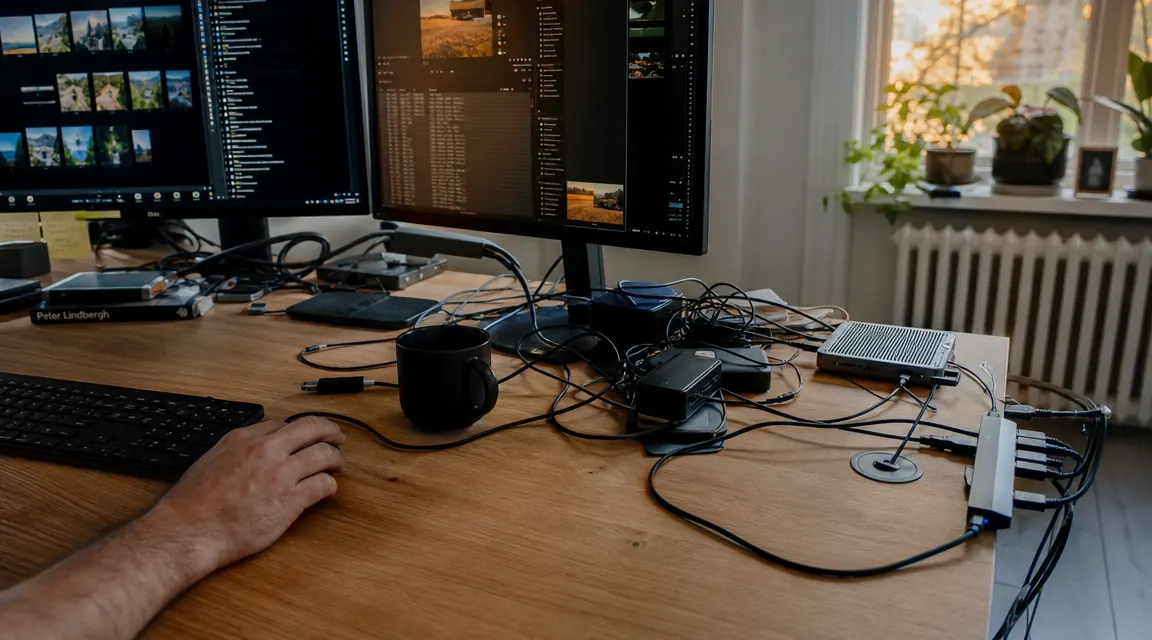
Cutting the keyboard and mouse cables was the single change that made my desk look like a real workspace instead of a junction box.
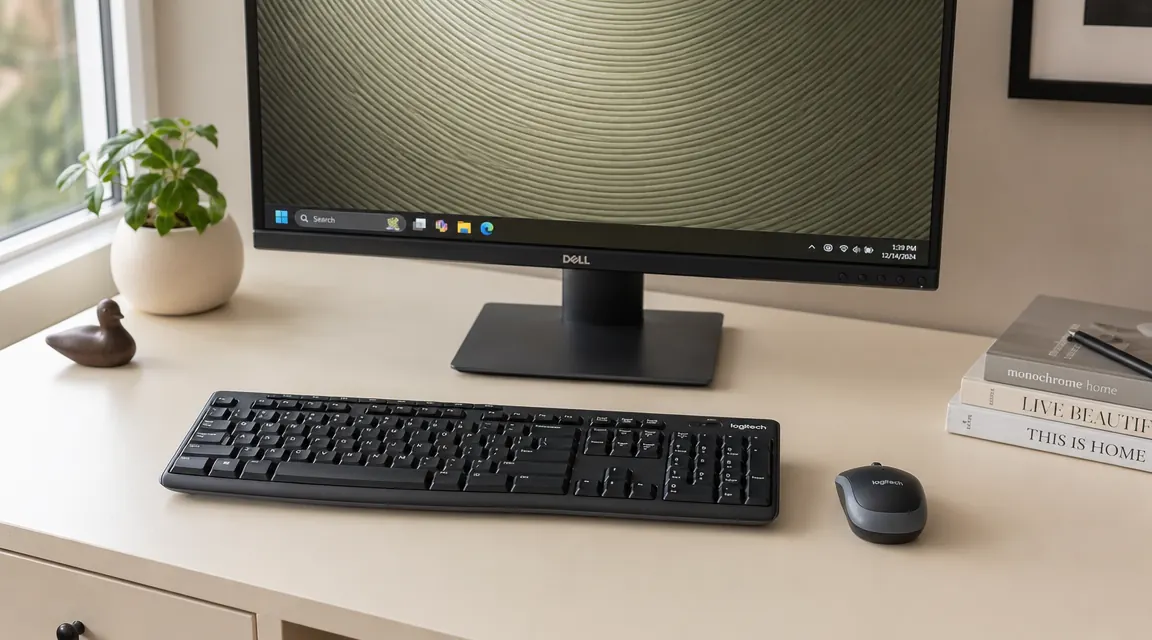
The MK270 is not glamorous. It is not ergonomic. It has one dongle and one battery compartment. Here is why it is still the right answer for most home offices, and exactly who should skip it.

Ten steps from unboxing to a fully dialed-in wireless setup, including pairing, ergonomic positioning, OS tuning, and a maintenance schedule that keeps missed keystrokes from sneaking up on you.
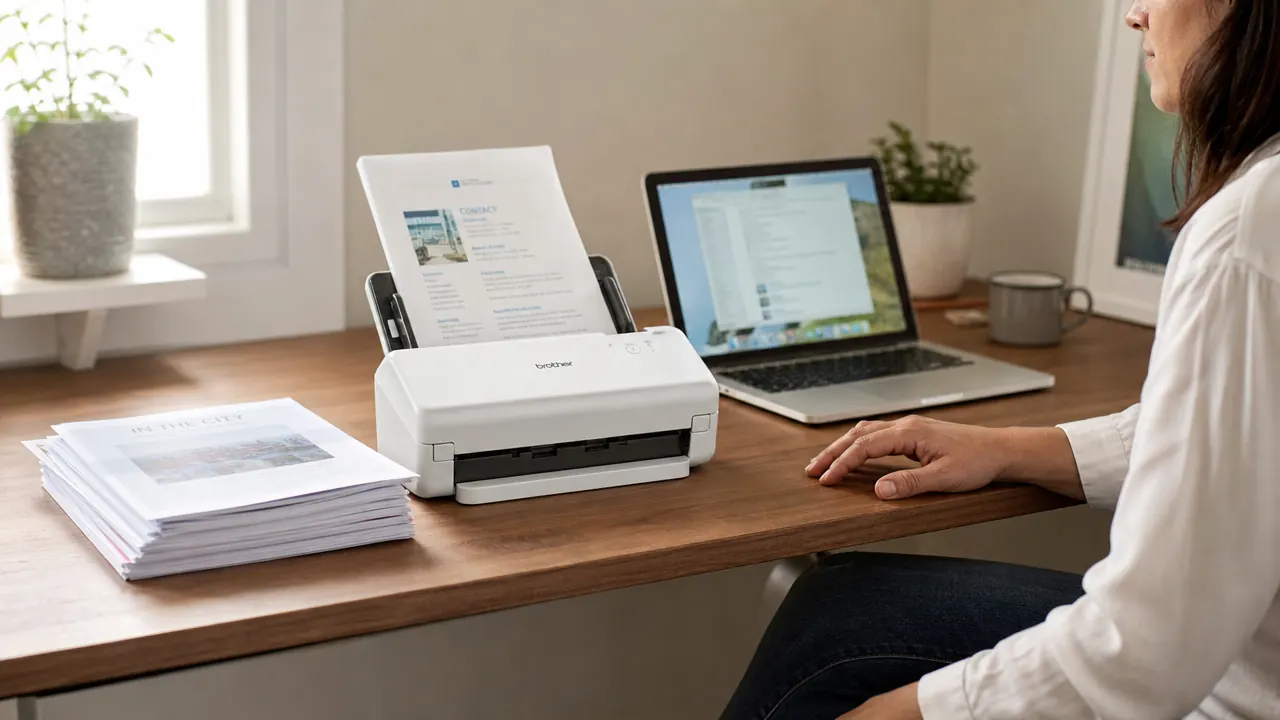
Eight months of scanning receipts, contracts, and tax documents with the Epson WorkForce ES-50. Honest verdict on scan speed, OCR quality, the single-sheet limitation, and the Mac driver situation everyone runs into sooner or later.

Both cost under $200, both fit in a laptop bag, and both handle the receipts-and-contracts load of a real home office. The right choice comes down to one thing: whether you ever need to scan both sides of a page at once.
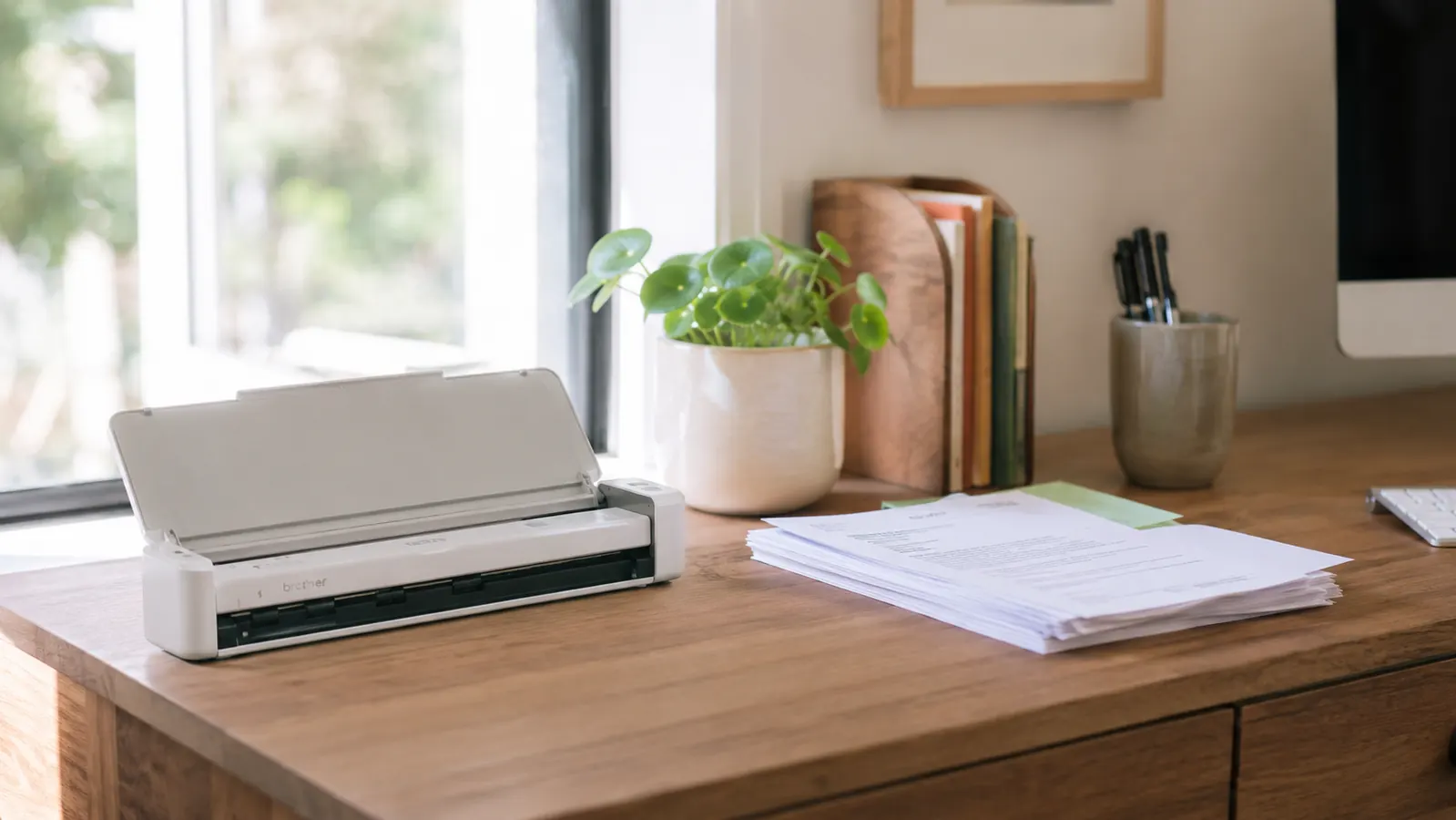
That pile of receipts, statements, and signed contracts is not a paperwork problem. It is a friction problem. One small device fixes it.

For three years I had a paper stack on my desk that I called a system. One missing warranty receipt changed my thinking for good.
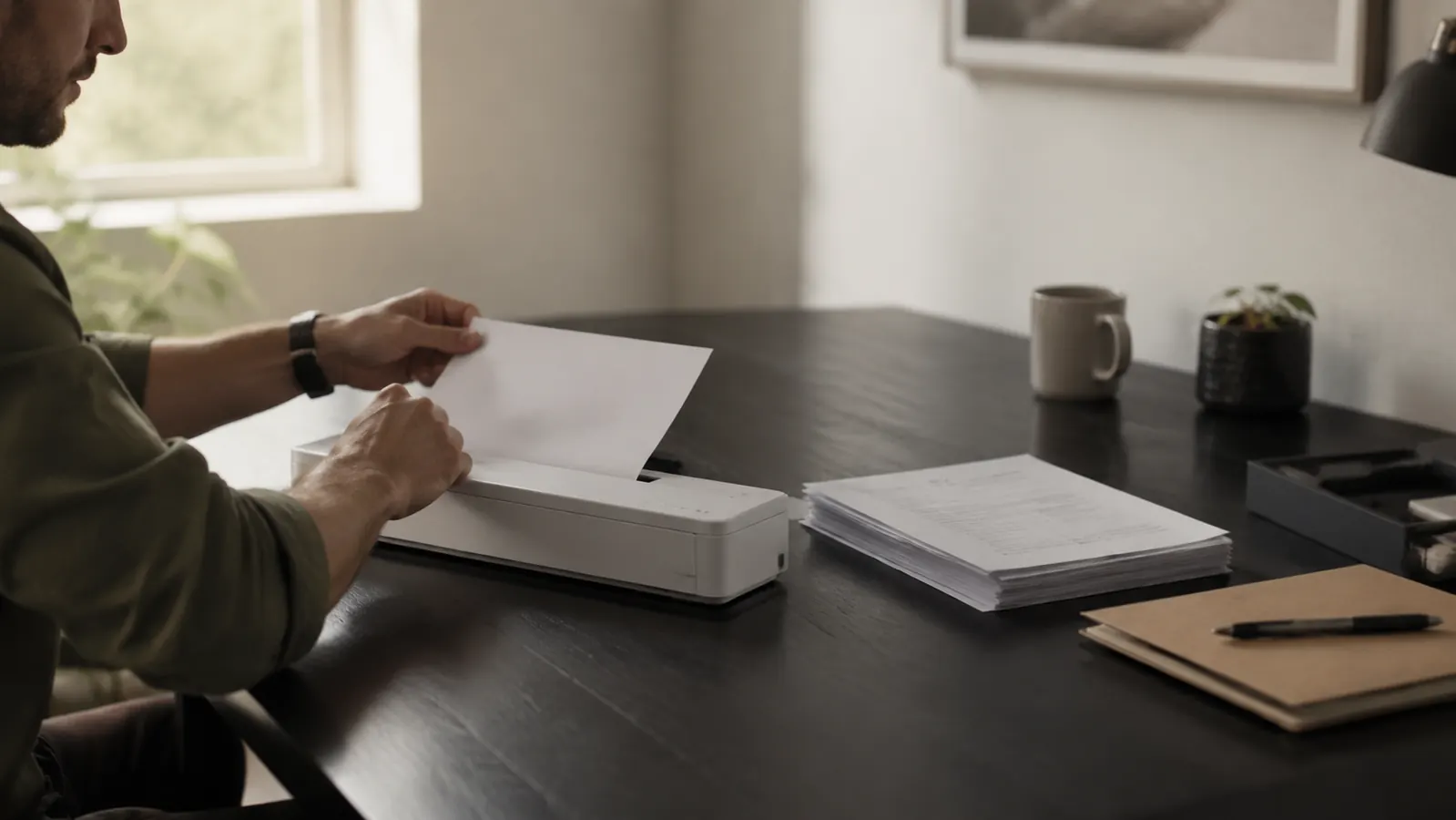
Four things the listing page will not tell you before you buy, and the honest answer on whether the ES-50 is worth it anyway.
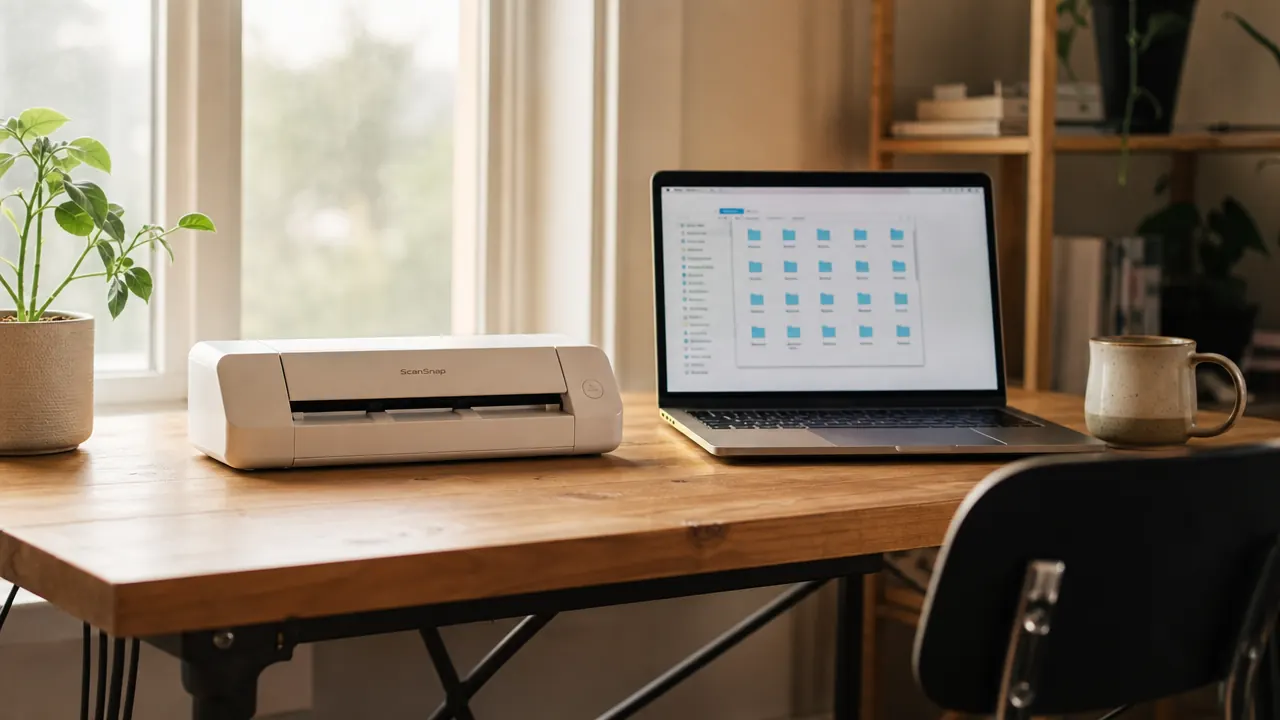
A step-by-step system for getting paper off your desk and into a folder structure you can actually find things in, built around a portable sheet-fed scanner and ten minutes a week.
Twelve months on the TechOrbits 32-inch standing desk converter. What held up, what surprised me, and who should actually buy one.
What the listing photos skip, who actually should not buy this, and whether a $400 VARIDESK is worth four times the price.
The HOLLUDLE mesh ergonomic chair has climbed past 6,000 reviews and sits under $170. I have been in it every working day for six months. Here is what held up, what surprised me, and who it actually makes sense for.
There are things the product listing does not tell you. Assembly takes longer than it should. The headrest needs repositioning twice before it stops annoying you. The mesh creaks for the first week. Here is what actually happened, including an honest comparison to a Herman Miller Aeron I borrowed from a friend.
I bought the HUANUO single monitor arm to get my screen off a bulky stand and recover usable desk depth. Eight months later it is still holding, still smooth, and still the first thing I recommend when someone asks about monitor mounts.
Seven questions nobody answers in the product listing, tested on a 27-inch monitor and a 32-inch ultrawide, from a 1.5-inch IKEA desktop to a 2.5-inch solid oak edge.
The most-bought wireless keyboard and mouse combo on Amazon costs less than a decent lunch. After two years of daily use, I can tell you exactly what that gets you.
The MK270 is not glamorous. It is not ergonomic. It has one dongle and one battery compartment. Here is why it is still the right answer for most home offices, and exactly who should skip it.
Eight months of scanning receipts, contracts, and tax documents with the Epson WorkForce ES-50. Honest verdict on scan speed, OCR quality, the single-sheet limitation, and the Mac driver situation everyone runs into sooner or later.
Four things the listing page will not tell you before you buy, and the honest answer on whether the ES-50 is worth it anyway.