
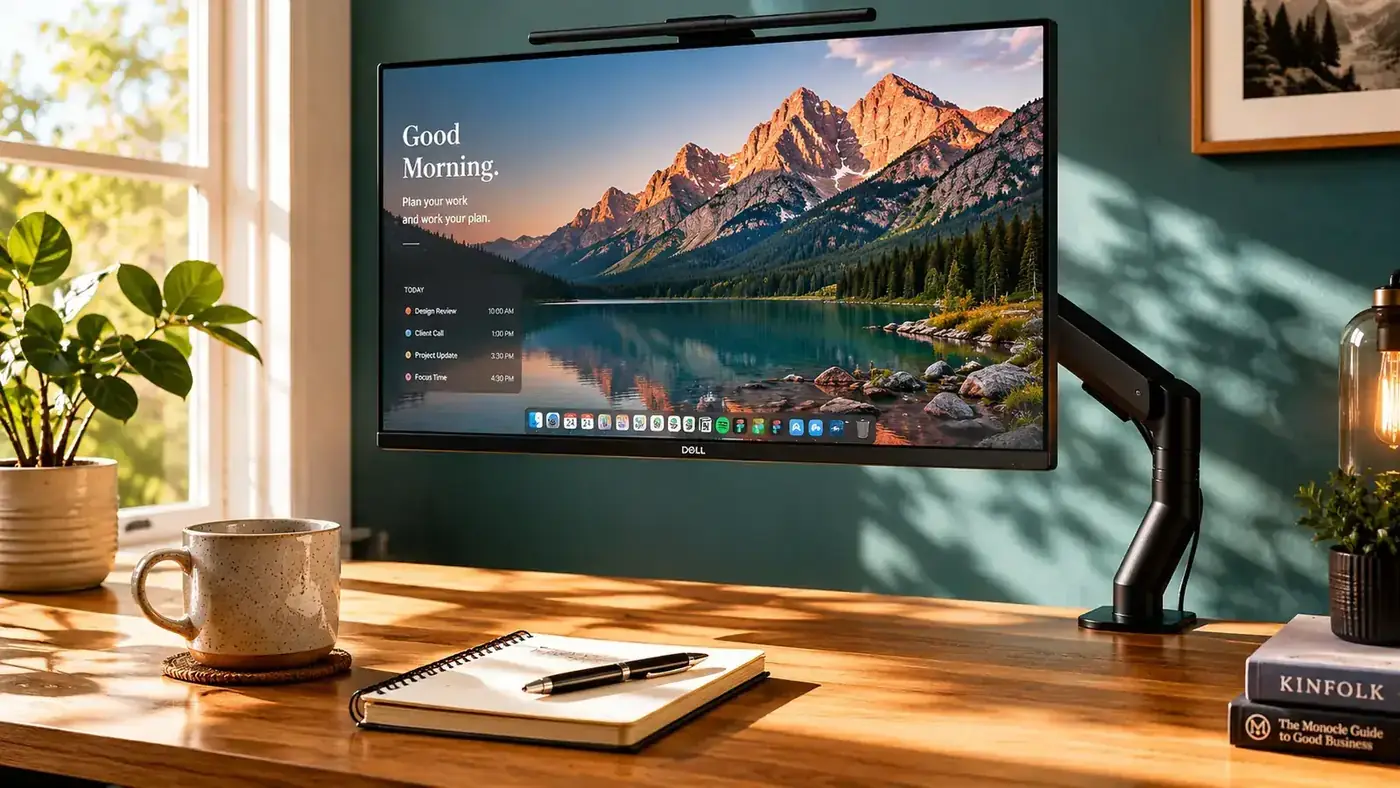
My desk is 48 inches wide and 24 inches deep. That sounds reasonable until you factor in a monitor stand that takes up eight inches of depth all on its own. Add a keyboard, a mouse pad, and a notebook, and I was working in a strip about ten inches deep. I kept my coffee on the floor. My reference notes got folded under the keyboard. And every time I needed to look something up on paper and look back at the screen, I was craning my neck down because the monitor sat maybe four inches lower than it should have.
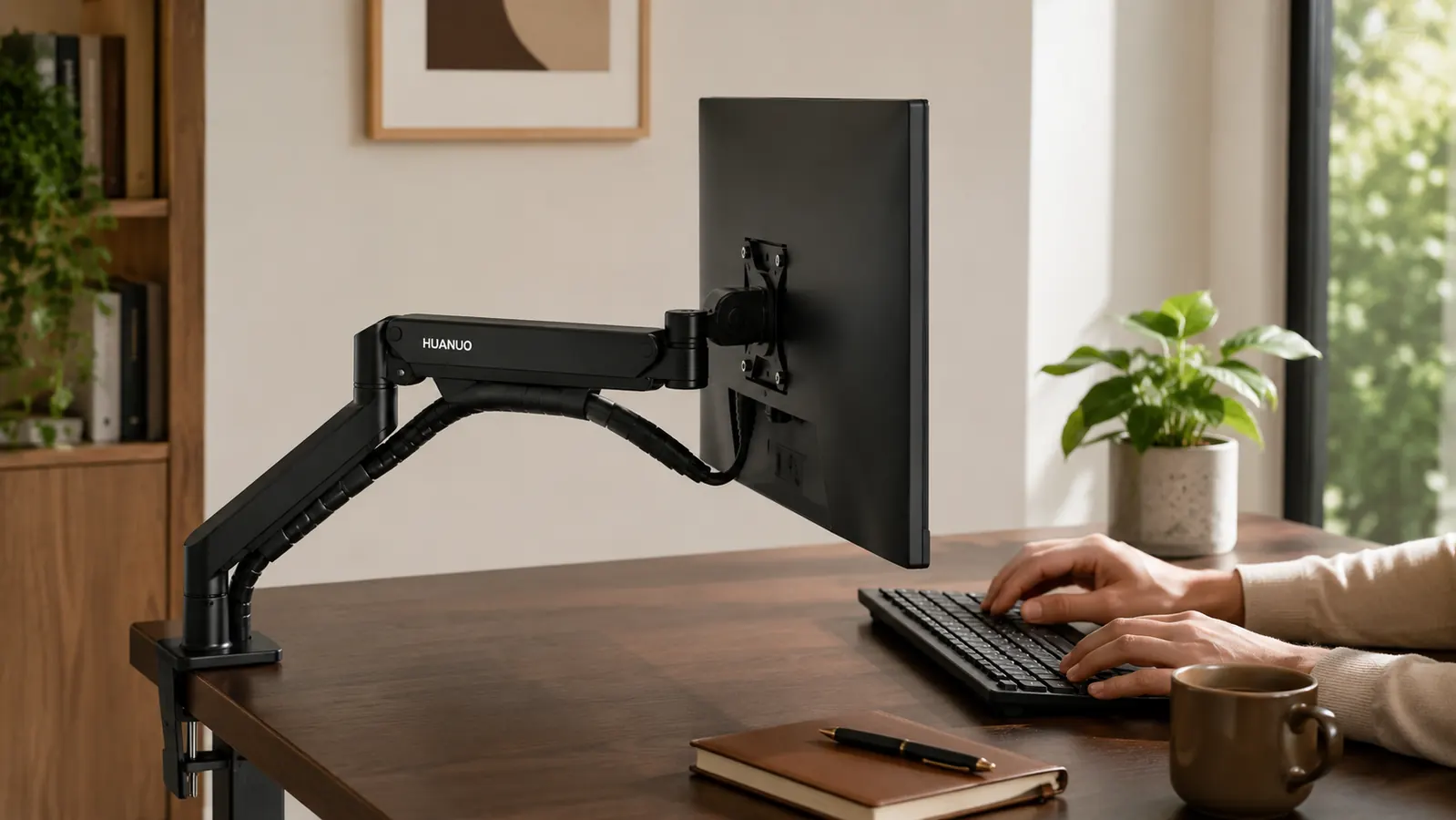
I had been living with that setup for about two years. I figured it was just the price of a small desk. Then a friend sent me a photo of his new setup and I noticed his monitor was floating. No stand. I asked him what he used and he told me: a monitor arm, budget-priced, from HUANUO. He said it took about twenty minutes to install and he had never touched his monitor stand again.
I want to tell you I immediately ran out and bought one. I did not. I spent another three weeks assuming it would be flimsy, or that the clamp would mark my desk, or that the arm would slowly droop overnight until the monitor was pointing at my chin. I had just enough skepticism to delay a decision that turned out to be obvious. When I finally did order the HUANUO, I felt a little silly about the three weeks.
The stand came off and I just sat there for a minute looking at the desk. It felt like someone had handed me a whole other piece of furniture.
Installation was genuinely simple. The clamp slides onto the desk edge, the bolt underneath tightens with a hex wrench that comes in the box, and the arm attaches with a single connector at the post. I mounted my 27-inch monitor, ran the HDMI and power cables through the built-in cable channel along the arm, and sat back down. Total time from opening the box: about eighteen minutes. The arm held the monitor exactly where I positioned it and did not move again.
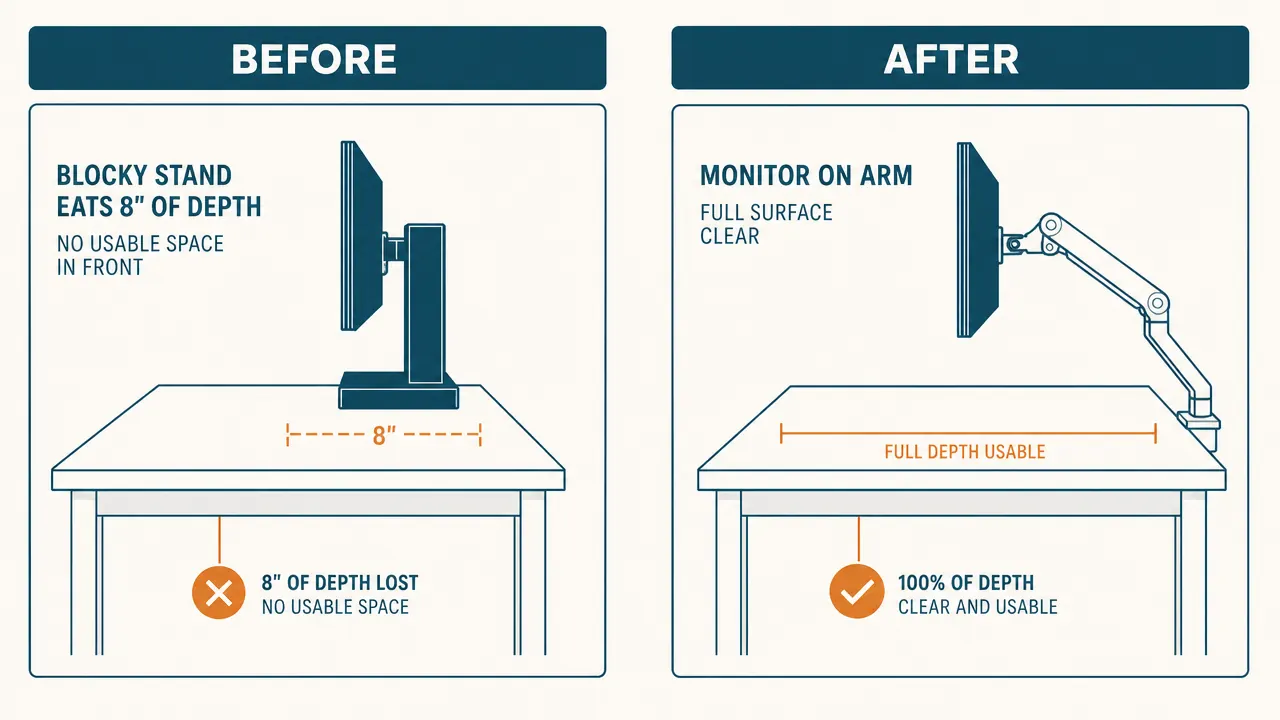
The first thing I noticed was the desk surface. Eight inches of depth returned, just like that. I set my notebook flat on the desk for the first time in two years. I put my coffee where I could actually reach it without leaning. I spread out a two-page reference document next to my keyboard and worked from it for an hour without once folding it in half to make it fit.
The second thing I noticed was my neck. Because the arm lets you set the height precisely, I moved the monitor up about three inches from where the stand had it. That put the top third of the screen at eye level, which is where it is supposed to be. By the end of the first afternoon my neck and upper back felt different. Less tight. I had been carrying tension in my shoulders every workday without identifying where it came from. It came from looking slightly down at a screen that was slightly too low, for years.
Your monitor stand is taking up real estate you could use today.
The HUANUO single monitor arm fits screens from 13 to 34 inches, has over 7,000 reviews on Amazon, and costs less than most keyboards. Installation takes under twenty minutes. Check today's price before you spend another week working in a ten-inch strip.
Amazon Check Today's Price on Amazon →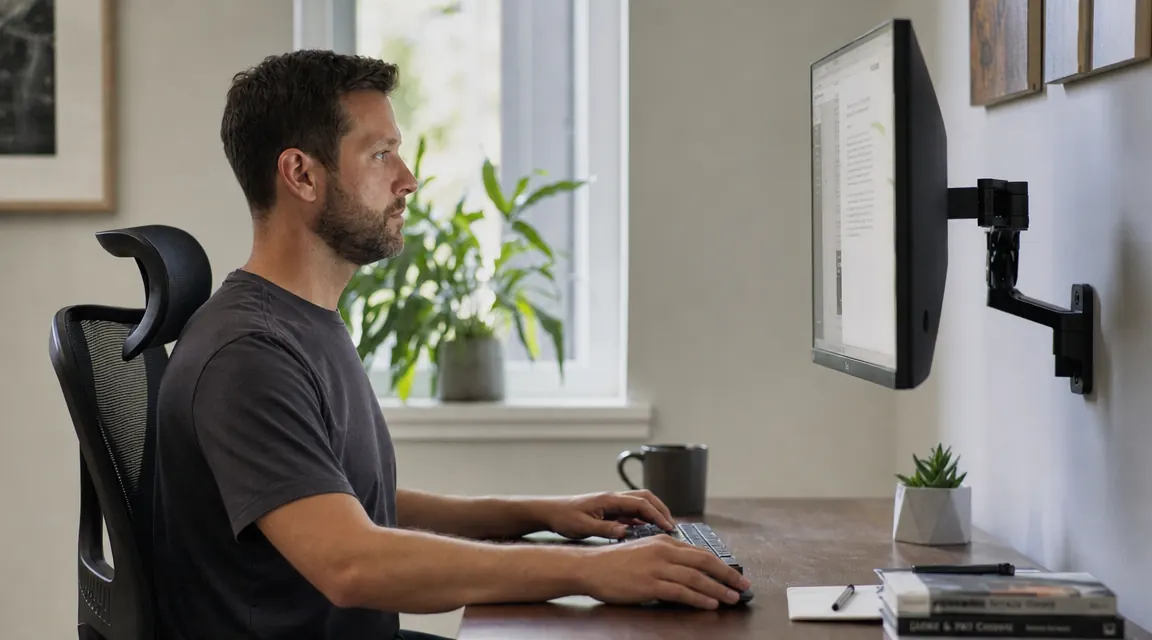
A few things I want to be honest about, because I know the skepticism is real. The clamp does leave a faint mark on a soft wood desk if you over-tighten it. The HUANUO includes a small rubber pad to protect the surface; use it. Second, if your desk is thinner than three-quarters of an inch, the clamp may not bite well. Mine is a solid inch and a half thick and there has been zero wobble. Third, the gas spring does have a tension adjustment for heavier monitors. My screen is 7.5 pounds and I had to dial the spring slightly tighter than the default. That took about thirty seconds with a hex wrench.
None of those things are dealbreakers. They are just the real-world details I wish someone had told me so I did not spend three weeks overthinking the purchase.
What I'd Tell You If We Were Sitting at My Kitchen Table
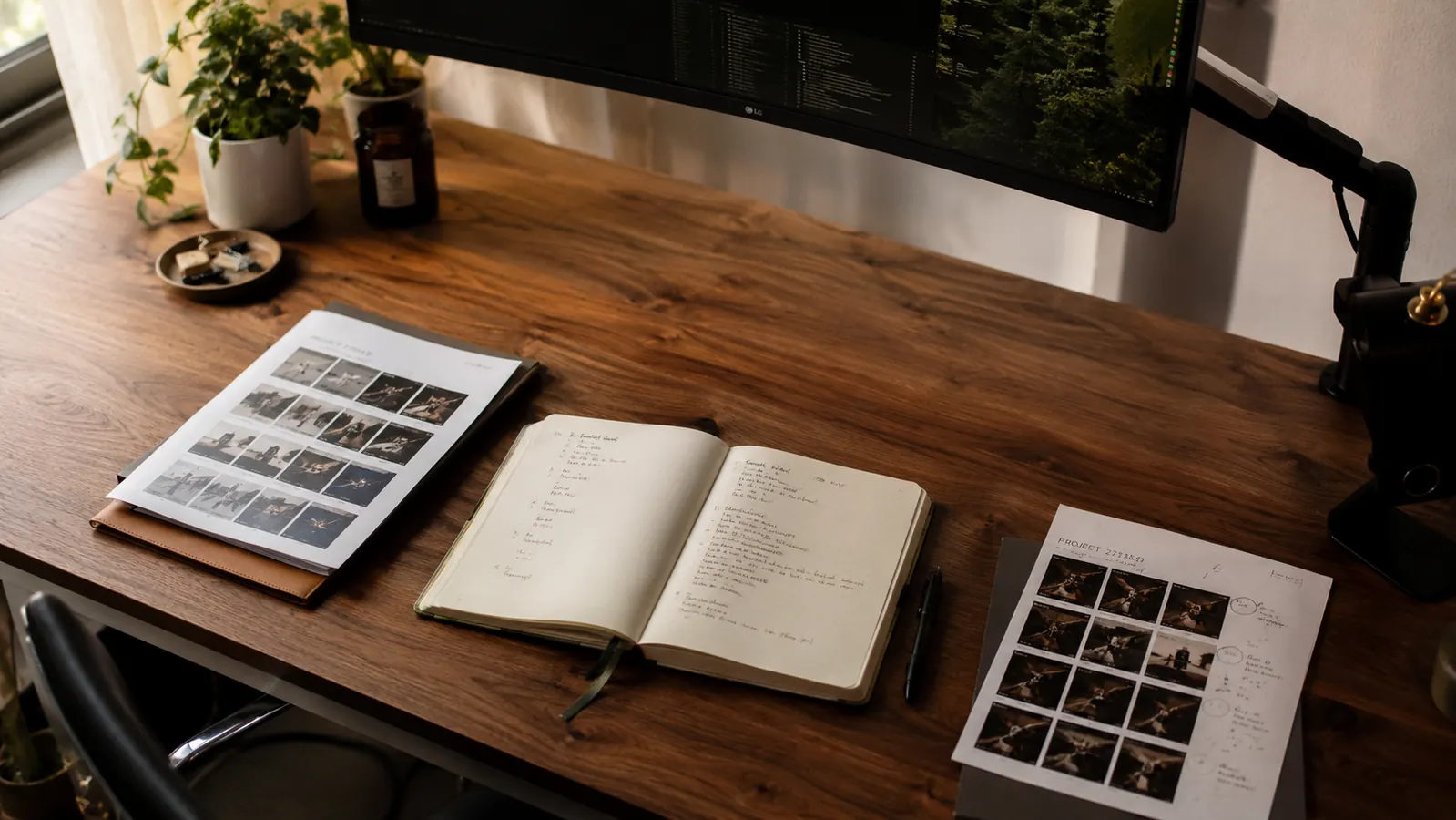
If you have a small desk and a monitor on a stand, you are giving away six to eight inches of working depth to a piece of metal that is doing nothing useful. A monitor arm solves that problem completely, costs about what you would spend on a decent lunch out, and the installation is genuinely manageable for anyone who can tighten a bolt. I have rebuilt my home office setup more times than I can count, and the monitor arm ranks in the top three changes I have made for what it costs relative to what it gives back. The HUANUO specifically has held up without complaint through eight months of daily adjustments in my setup, and I have no reason to swap it out. If your only hesitation is the same skepticism I had, I will save you three weeks: it holds, it does not droop, the clamp does not wreck the desk, and the space you get back is real and immediate.
If you want more detail before buying, I wrote a full eight-month review of the HUANUO at the link below. That piece gets into the weight limits, the gas spring tension, the cable management, and how it compares to arms that cost three times as much. But if you are already mostly convinced, the summary is: it is a well-built arm at a fair price, and the desk space it returns pays for it on the first day.
Ready to reclaim your desk surface? The HUANUO arm ships fast and installs in under twenty minutes.
Over 7,000 Amazon buyers, 4.6 stars, fits screens up to 34 inches. Check current pricing and availability and see if it ships to you today.
Amazon Check Today's Price on Amazon →